


Blog
Best GPUs for Gaming in 2026 – Ultimate Buying Guide for PC Gamers

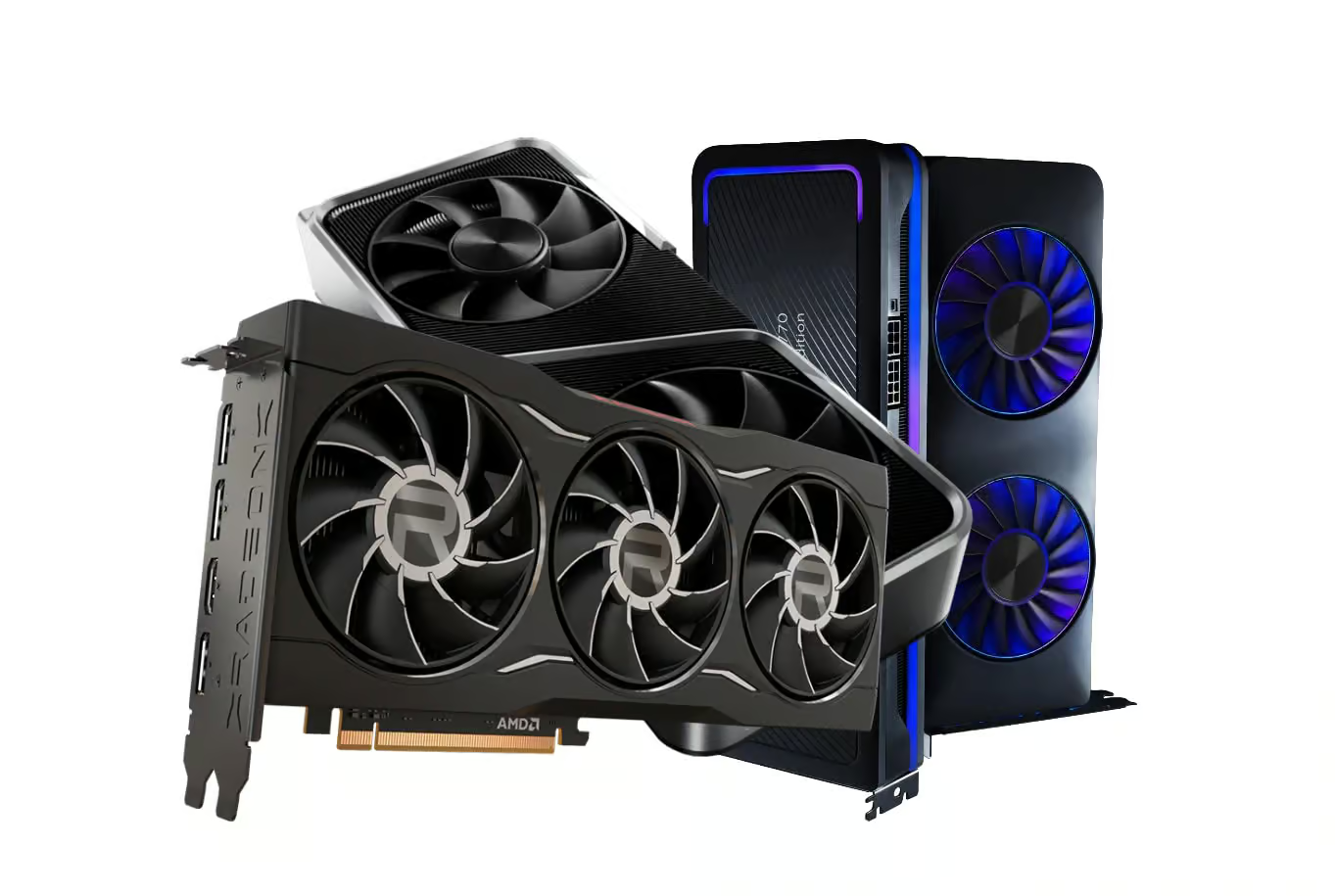
Best GPUs for Gaming in 2026 – Ultimate Buying Guide for PC Gamers The year your GPU finally decides your fate
Imagine this: it’s 2026, you boot up a brand-new AAA title, hit “Ultra” on everything, turn on ray tracing, and your GPU either smiles and says, “No problem, boss,” or it starts screaming internally and dropping frames like crazy.
That one component—your graphics card—now decides whether your gaming rig feels like a high-end cinema experience or a struggling last-gen console. And yet, buying a GPU in 2026 is more confusing than ever. Specs, VRAM, ray tracing, DLSS, FSR, AI upscaling, frame generation—if you’re not careful, you either overspend or end up with a card that chokes a year later.
This mega guide is written for Variety Infotech readers—PC gamers in India and worldwide who want a clear, no-nonsense, story-driven explanation of which GPU to buy in 2026, why it matters, and how not to get trapped in marketing hype.
The GPU is now the heart of your gaming universe
Think about everything modern games are throwing at your system right now:
-
Massive open worlds with dense foliage, cities, and weather systems.
-
Ultra-high-resolution textures that eat VRAM for breakfast.
-
Ray-traced lighting, reflections, and shadows.
-
Particle effects, destruction, and physics that keep updating in real time.
-
AI-powered behaviors and cinematic cutscenes rendered on the fly.
In most of the latest titles, independent testing shows the GPU is the main performance bottleneck at higher resolutions, especially once you flip those “High/Ultra” switches. Even if you pair a modest CPU with a powerful GPU, you’ll often see better gaming results than the other way around.
If you cheap out on the GPU, you don’t just drop a few frames—you:
-
Lose smoothness (stutters, random drops).
-
Drop visual quality to “medium” forever.
-
Turn off ray tracing, even if your game supports it.
-
End up upgrading sooner than you planned.
So yes, in 2026, your GPU is the hero of your gaming build. Everything else is the support squad.
How the GPU world changed by 2026
To really understand what to buy now, it helps to know how fast things have moved in just a few generations.
AI stepped into the driver’s seat
AI is no longer just “that thing used in research labs.” On GPUs it’s doing the following in real time:
-
Upscaling your game from a lower render resolution to your monitor’s native resolution.
-
Generating extra frames between real ones to boost FPS.
-
Cleaning up noise and improving image quality.
-
Helping optimize performance and power usage behind the scenes.
NVIDIA’s DLSS 4 and AMD’s FSR have essentially made AI part of the rendering pipeline.
Ray tracing went from flex to expectation
At first, ray tracing was that fancy checkbox only people with top-tier cards dared turn on. Now, many new AAA titles are built around RT as a core feature. Games feel incomplete if reflections, global illumination, and shadows don’t get at least some ray-traced love.
VRAM became a non-negotiable
Remember when 6–8 GB of VRAM felt “good enough”? Not anymore. Modern games and high-res texture packs fill VRAM fast. When you run out, the card starts shuffling data and your FPS tanks. Many current guides now treat 8 GB as entry-level and 12–16 GB as the practical minimum for new builds.
Efficiency finally matters to everyone
Sure, raw power is still king. But gamers now care more about:
-
Lower power draw (especially in Indian summers).
-
Cooler, quieter builds.
-
Not needing a 1000W PSU for a midrange rig.
Modern GPUs are better than older ones not just in speed, but also in performance per watt.
Step one: know your resolution and refresh rate
Before we even talk model names, let’s talk screen. The monitor you own (or plan to buy) is your true target.
1080p – The esports and budget favorite
-
Still the most popular resolution globally.
-
Perfect for competitive titles where 200+ FPS matters more than ultra shadows.
-
Hardware requirements are much lighter, so you can spend less and still get smooth performance.
1440p – The sweet-spot of 2026
-
The resolution where games look significantly sharper than 1080p.
-
Ideal for both single-player AAA and high-FPS multiplayer.
-
Many reviewers call 1440p the “new standard” for serious PC gamers.
4K – Where your GPU gets truly tested
-
Ultra-sharp and cinematic.
-
Brutal on GPUs at high settings with ray tracing.
-
Best for big-screen or couch setups and single-player immersion.
If you tell yourself, “I’m fine with 1080p 144 Hz,” you don’t need an RTX 5090. But if you’re eyeing a 4K 144 Hz panel, then yes, you’re entering flagship territory.
Meet the monsters: best GPUs for 4K and Ultra
NVIDIA GeForce RTX 5090 – The final boss of consumer GPUs
Imagine a GPU that looks at 4K Ultra + max ray tracing and just shrugs. That’s the GeForce RTX 5090, powered by NVIDIA’s Blackwell architecture and loaded with 32 GB of GDDR7.
This is the card for people who want to stop thinking about compromise.
-
What it does in games:
-
4K Ultra with ray tracing and DLSS 4 is where it really shines.
-
Can push high-refresh 4K monitors (144 Hz and above) in many titles when AI frame generation is on.
-
Laughs at today’s games and is built to handle tomorrow’s.
-
-
Why it feels different:
-
DLSS 4 and multi-frame generation bring an insane combination of image quality and FPS.
-
Ray tracing hardware is still the benchmark others are measured against.
-
32 GB VRAM means texture mods, future AAA titles, and creative workloads don’t scare it.
-
-
Who it’s for:
-
You if you want a no-compromise flagship rig.
-
Streamers, sim enthusiasts, VR addicts, and content creators doing editing, 3D, or AI work alongside gaming.
-
At Variety Infotech, this is your “dream build” core—paired with a high-wattage PSU, spacious case, and high-end CPU.
AMD Radeon RX 9070 XT – Team Red’s 4K warrior
Then there’s the Radeon RX 9070 XT, carrying AMD’s RDNA 4 generation forward with a focus on great raster performance, improved ray tracing, and strong value.
-
In games:
-
Handles 4K at high/ultra in modern titles comfortably.
-
Excellent traditional rendering performance, especially in well-optimized engines.
-
-
The upsides:
-
Often more affordable than NVIDIA’s absolute top GPU choices.
-
Significantly better ray tracing than older RDNA generations, narrowing the gap.
-
A VRAM configuration built for high-res textures and future games.
-
-
Ideal buyer:
-
Gamers who want 4K performance but don’t insist on owning the single fastest card on the planet.
-
Anyone building an AMD-centric system with Ryzen + Radeon for synergy and smart power management.
-
1440p heroes: the sweet-spot killers
NVIDIA GeForce RTX 5070 & RTX 5070 Ti – For most gamers, these are “the ones”
If a gamer walks into Variety Infotech and says, “I want something powerful, but I don’t want to sell a kidney,” chances are the conversation heads straight to RTX 5070 or RTX 5070 Ti.
-
Performance at 1440p:
-
Ultra settings in most modern games with high FPS.
-
Great for 1440p 165 Hz or even 240 Hz if you tweak settings or use DLSS.
-
-
What makes them such a good deal:
-
DLSS 4 with multi-frame generation gives a huge lifespan to these cards.
-
They sit in that “high-end but not insane” pricing tier.
-
Balanced power consumption and thermals compared to extreme flagships.
-
-
They’re for you if:
-
You want a build that feels premium but still respects your budget.
-
You’re playing everything from esports to big AAA campaigns at 1440p.
-
AMD Radeon RX 9060 XT – The clever 1440p move
The RX 9060 XT is AMD’s answer to gamers who want serious performance at a price that doesn’t burn through their savings.
-
Real-world use:
-
High FPS at 1440p in most current AAA titles with settings tuned to high or ultra.
-
Built with enough VRAM to relax about upcoming games.
-
-
Why it’s attractive:
-
Fantastic price-to-performance ratio.
-
RDNA 4 brings improved ray tracing and AI capabilities while keeping power reasonable.
-
Works great with FSR, which supports a wide range of titles.
-
-
Best for:
-
Gamers who want a powerful rig but are optimizing every rupee.
-
Players who care more about stable 1440p performance than chasing benchmark crowns.
-
Budget and esports: the 1080p specialists
NVIDIA GeForce RTX 5060 & RTX 5060 Ti – Built for ranks and leaderboards
If your life revolves around CS2, Valorant, Fortnite, Apex, or similar titles—and you care more about your KD than your reflections—then RTX 5060 and RTX 5060 Ti are your zone.
-
What they do well:
-
Smash 1080p esports titles at high frame rates.
-
Handle 1080p AAA games nicely, often at high settings, especially when you use DLSS.
-
-
Key perks:
-
DLSS lets you get more fps headroom while keeping visuals respectable.
-
Lower power usage, so you don’t need a monster PSU.
-
Great thermals, making them ideal for compact builds or budget systems.
-
-
Ideal for:
-
Students, cafe builds, budget gaming setups, and anyone whose top priority is smooth 1080p gameplay.
-
Paired with a 1080p 144 Hz or 165 Hz monitor from Variety Infotech, these cards can create killer esports rigs.
VRAM in 2026: the unsung hero spec
Let’s talk about something people often ignore until it’s too late: VRAM.
As new games ship with higher-resolution textures and more complex assets, VRAM usage has steadily climbed. Reviews and benchmarks show that low-VRAM GPUs start stuttering badly at high settings or when mods and texture packs come into play.
A quick VRAM roadmap for 2026:
-
8 GB:
-
Acceptable for budget 1080p at medium/high settings.
-
Not ideal for future AAA titles or 1440p long-term.
-
-
12 GB:
-
Comfort zone for midrange builds.
-
Suitable for 1080p ultra and 1440p high in most current games.
-
-
16 GB and above:
-
Sweet spot for 1440p and safe zone for 4K.
-
Great for creators, modders, and people who don’t plan to upgrade every two years.
-
When in doubt, and if your budget allows, always lean toward more VRAM. That alone can extend the usable life of your GPU.
Ray tracing in 2026: eye candy or essential?
Ray tracing has matured beyond the “expensive tech demo” stage. Today, a lot of visually ambitious games are built assuming ray-traced effects will be available.
-
What it brings:
-
Much more realistic lighting, especially in interiors and nighttime scenes.
-
Accurate reflections on water, glass, and shiny surfaces.
-
Better shadow detail and smoother transitions.
-
-
Should you care?
-
If you love cinematic single-player games—yes, absolutely.
-
For hardcore esports, it’s still usually turned off because competitive players chase every last frame.
-
Modern GPUs with AI upscaling make using ray tracing much more viable, so you no longer have to choose between “pretty” and “playable” as harshly as before.
DLSS vs FSR – your AI assistants explained simply
You’ll see these acronyms everywhere, so let’s demystify them.
-
DLSS (NVIDIA)
-
Uses AI cores (Tensor cores) on RTX GPUs to render the game internally at a lower resolution and then upscale it smartly.
-
DLSS 4 adds multi-frame generation to create extra frames between real ones, effectively boosting FPS further.
-
-
FSR (AMD)
-
Runs on a wider variety of hardware, including non-AMD GPUs in many titles.
-
Offers several modes—Quality, Balanced, Performance—so you can tune it based on how much FPS you want.
-
Both aim to give you more performance without a huge hit to visuals, and at higher resolutions like 1440p and 4K, they are often the difference between 45 FPS and 90+ FPS.
How to choose your perfect GPU: a story-driven checklist
Let’s pretend you walk into Variety Infotech or open the site ready to buy. Here’s what your thought process should look like, step by step.
-
“What resolution and refresh rate am I targeting?”
-
If the answer is 1080p 144 Hz: midrange or budget GPUs like RTX 5060 are enough.
-
If it’s 1440p 165 Hz: you’re in RTX 5070 Ti / RX 9060 XT territory.
-
If it’s 4K 120–144 Hz: now you’re thinking RTX 5090 or RX 9070 XT.
-
-
“What’s my budget ceiling?”
-
No shame in setting a realistic limit.
-
You want the best card within your budget, not just the most famous model.
-
-
“Will my PSU and case handle this?”
-
Check wattage and available connectors.
-
Verify GPU length and thickness vs your cabinet. High-end cards can be huge.
-
-
“Am I okay relying on AI upscaling?”
-
If yes, you can comfortably lean into cards that do extremely well with DLSS/FSR and push higher resolutions than raw power alone would allow.
-
-
“How long do I plan to keep this GPU?”
-
If you upgrade every 2–3 years, you can pick slightly more aggressively within your budget.
-
If you want this card to last 5–6 years, prioritize more VRAM and a stronger tier.
-
-
“What kind of games do I actually play?”
-
Mostly esports? Don’t overspend on a 4K ray tracing monster.
-
Heavy single-player AAA and open-world titles? Invest in a stronger, higher-VRAM GPU.
-
When you talk to the Variety Infotech team, this is exactly the type of conversation that helps them steer you to the right card instead of just the most expensive one.
At-a-glance: best gaming GPUs for 2026
| Category | Recommended GPU |
|---|---|
| Ultimate 4K gaming | NVIDIA GeForce RTX 5090 |
| Best AMD high-end | AMD Radeon RX 9070 XT |
| Best 1440p gaming | NVIDIA RTX 5070 Ti |
| Best value 1440p | AMD RX 9060 XT |
| Best 1080p / esports | NVIDIA RTX 5060 / RTX 5060 Ti |
These align closely with independent “best GPU” roundups that test a mix of raster, ray tracing, and AI-enhanced performance across modern titles.
Why buy your next GPU from Variety Infotech?
You’re not just buying silicon; you’re buying reliability, after-sales support, and peace of mind. With Variety Infotech – Where Tech Meets Excellence, you get:
-
100% genuine NVIDIA and AMD GPUs.
-
Proper GST invoice and warranty support.
-
Updated stock based on current-gen releases and demand.
-
Expert help matching GPUs with CPUs, PSUs, monitors, and cases.
-
The option to turn a GPU purchase into a complete, balanced gaming PC build.
🌐 Explore the latest graphics cards and gaming PC components here: www.varietyinfotech.com
Verdict: 2026 is your chance to build the PC you always wanted
If the last few years felt like you were “waiting for the right time” to upgrade, 2026 is that time. GPUs have hit a new level with ray tracing, AI-enhanced rendering, and efficiency improvements that genuinely change how games look and feel.
-
4K gamers can finally go all-out with monsters like the RTX 5090 and RX 9070 XT.
-
1440p gamers have near-perfect options in cards like the RTX 5070 Ti and RX 9060 XT.
-
1080p esports players can build fast, responsive rigs without breaking the bank using RTX 5060-class GPUs.
The key is simple: match your card to your resolution, refresh rate, budget, and upgrade timeline—and you’ll get a system that feels tailored, not compromised.
Whenever you’re ready to turn this guide into a real build, Variety Infotech is your partner in picking the right GPU, pairing it with the right components, and making sure your 2026 gaming setup actually lives up to the dream.